Codex Icon Gauge
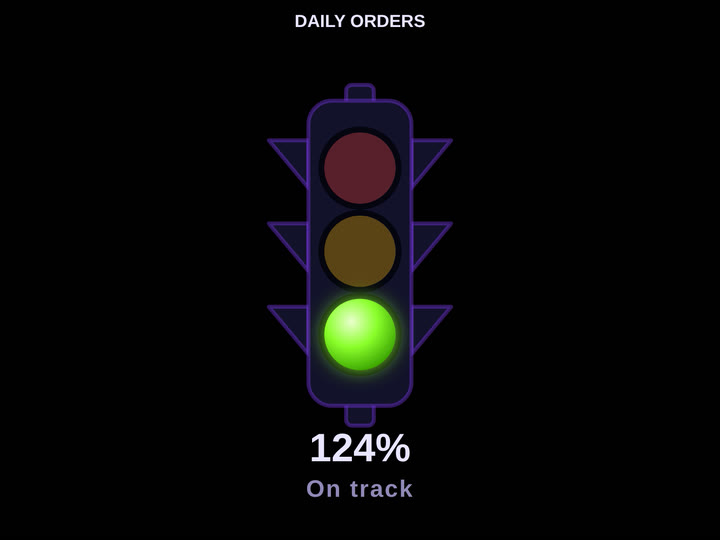
KPIA metric-to-icon gauge — fill vessel, icon row, traffic light, or state morph, read against a target.
Display modes
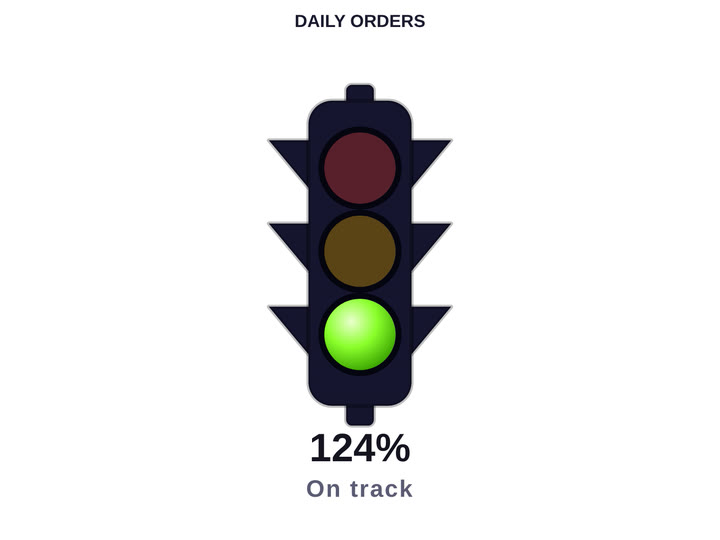
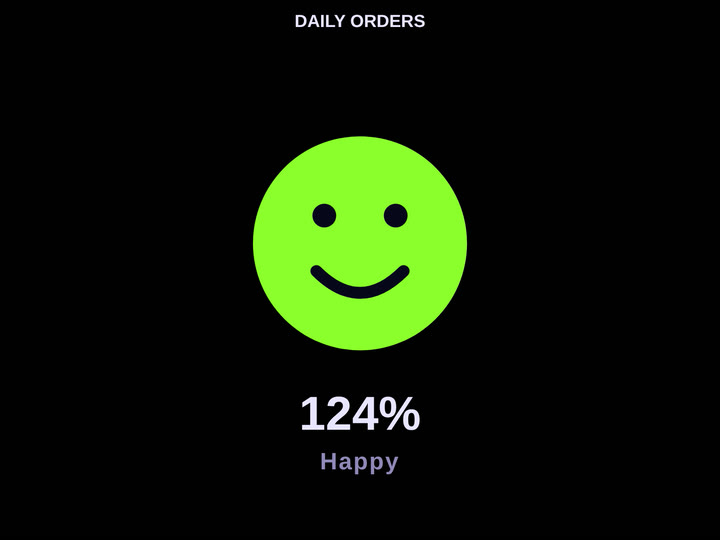
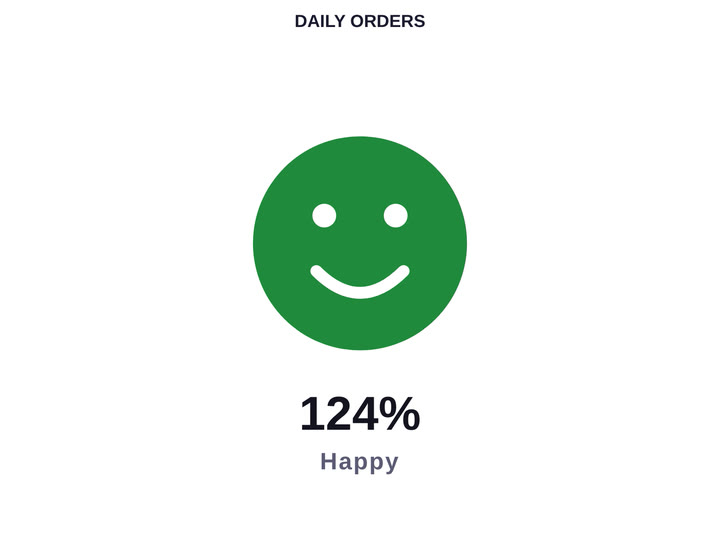
4 built in — every one is a real render, not a mock-up.
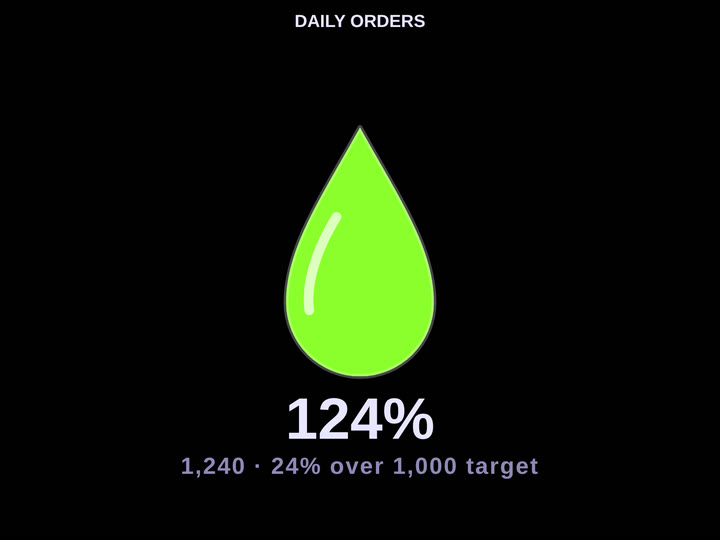
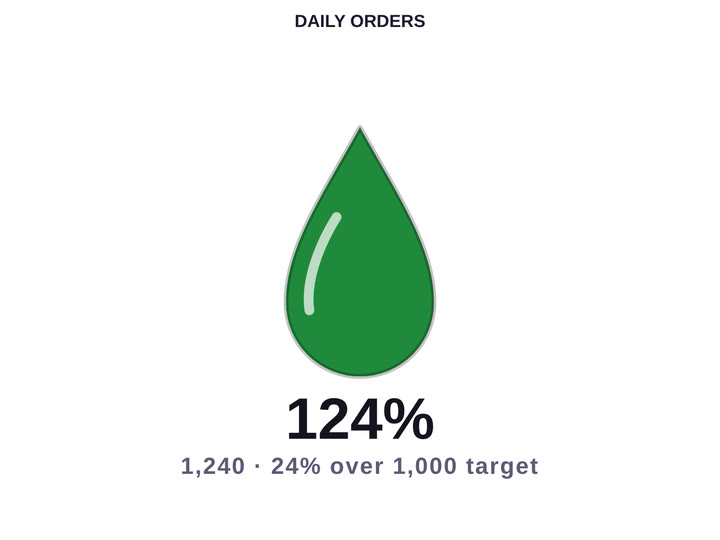
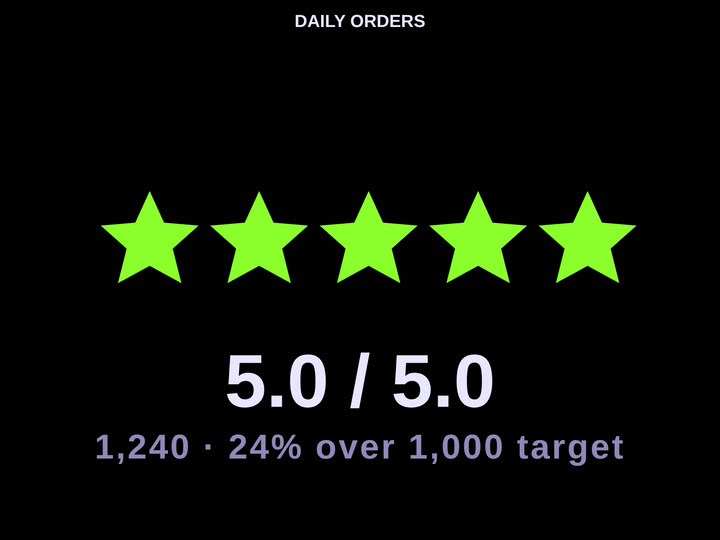
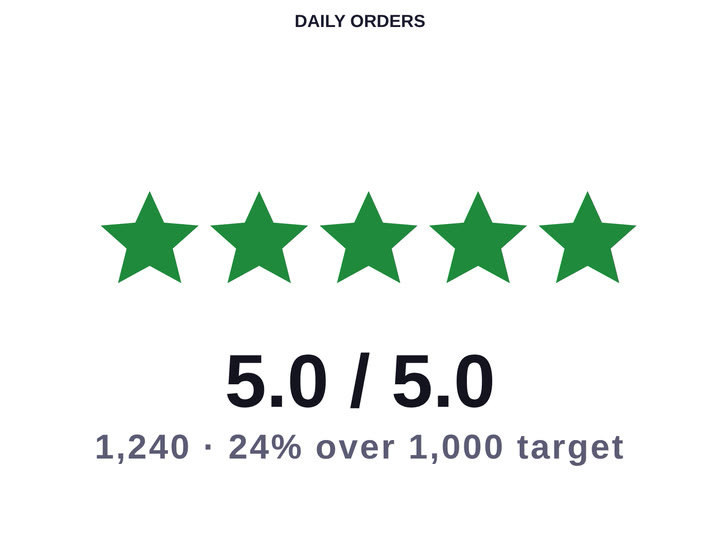
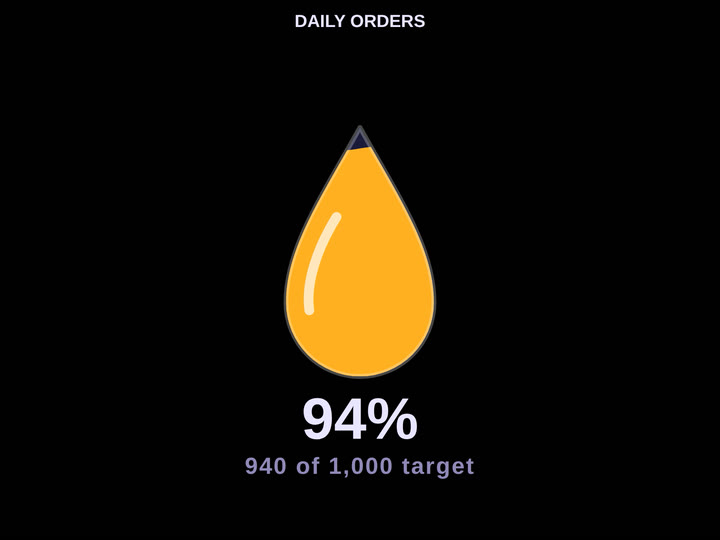
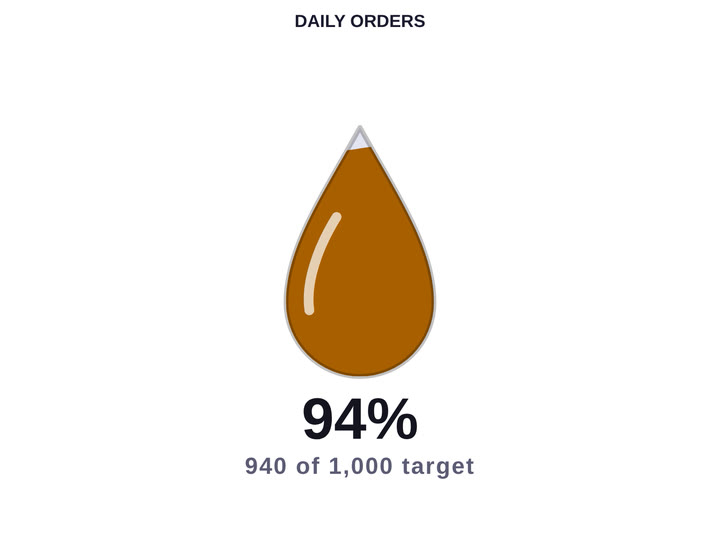
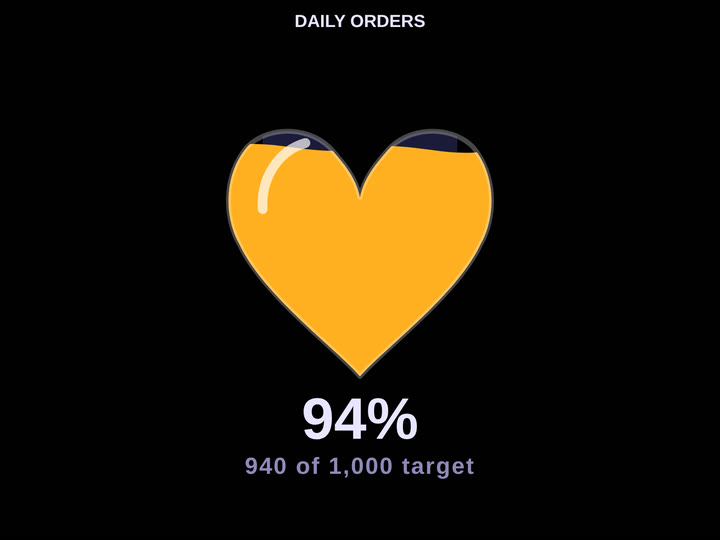
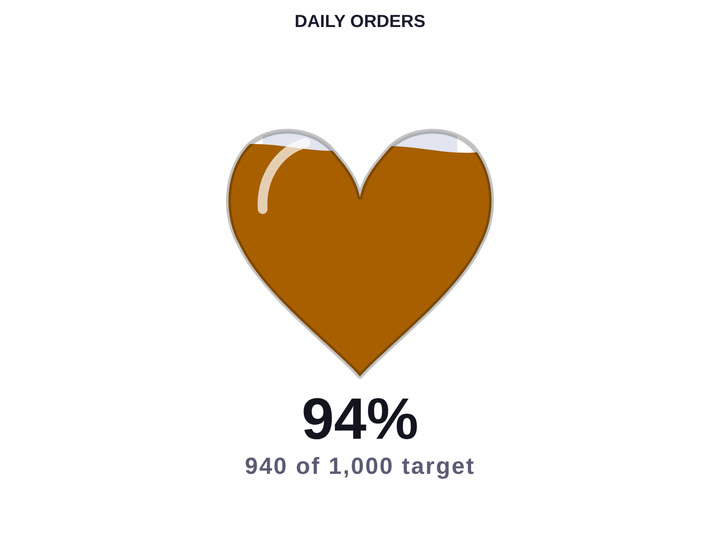
Vessel shapes
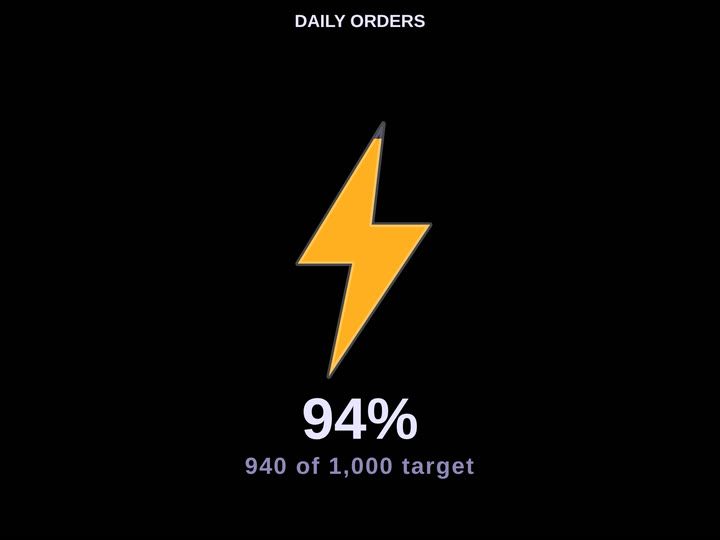
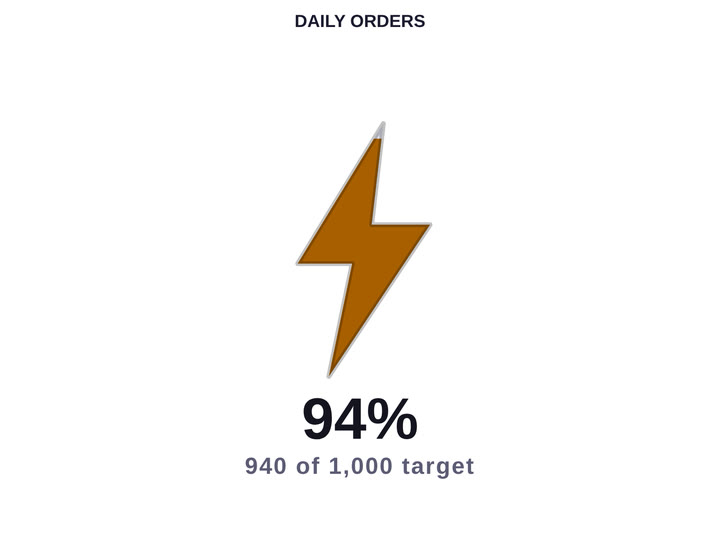
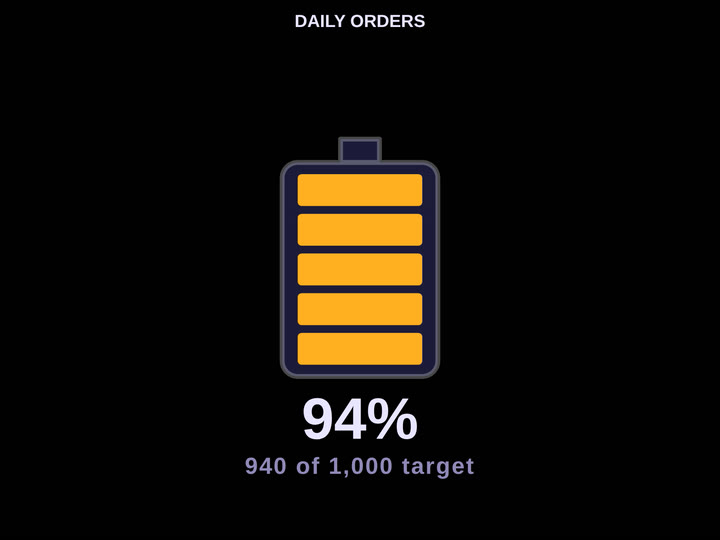
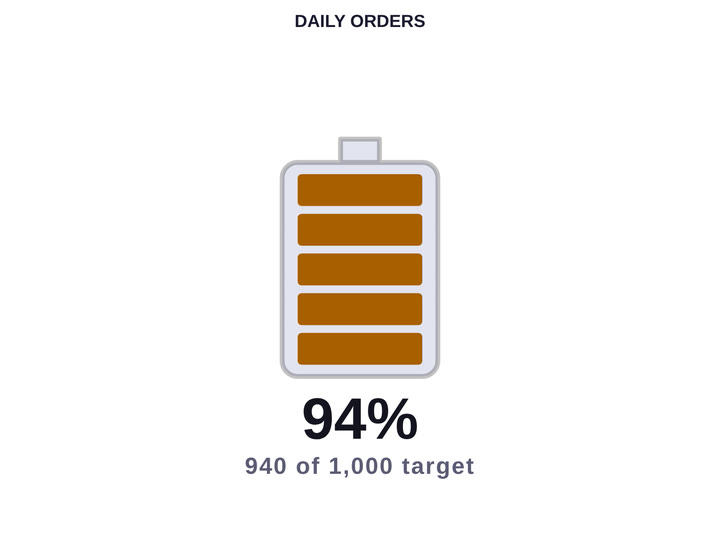
6 built in — every one is a real render, not a mock-up.
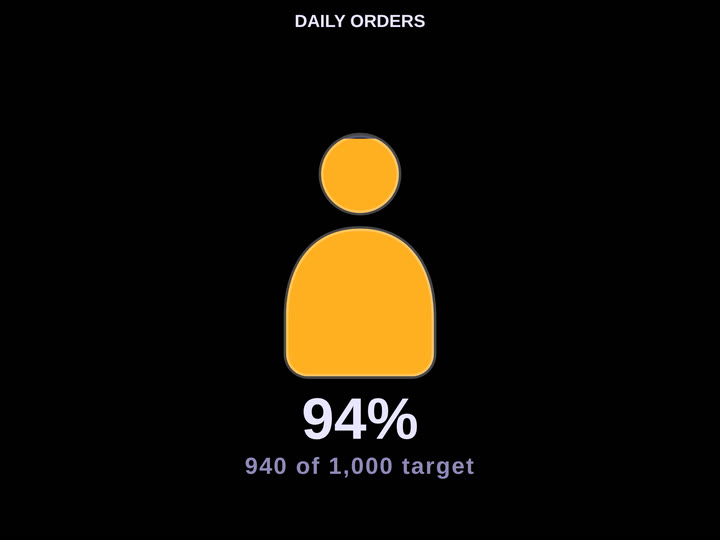
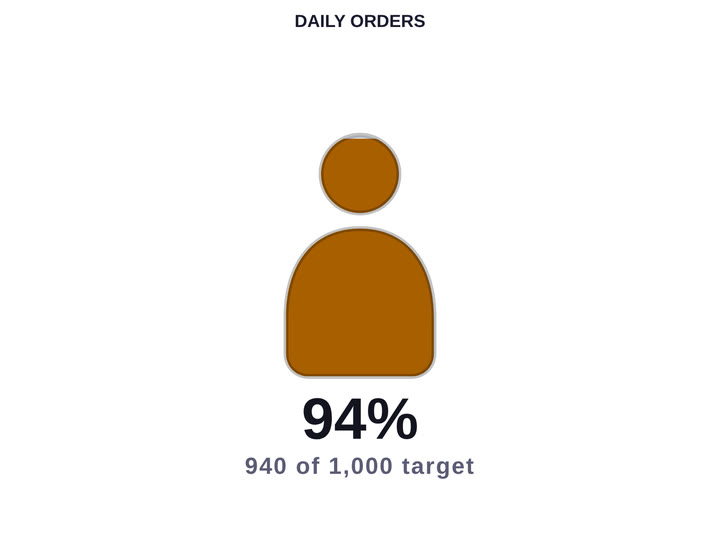
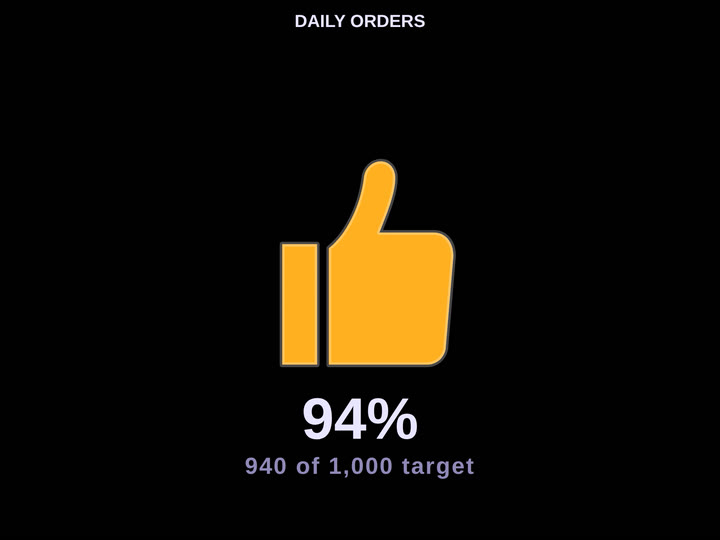
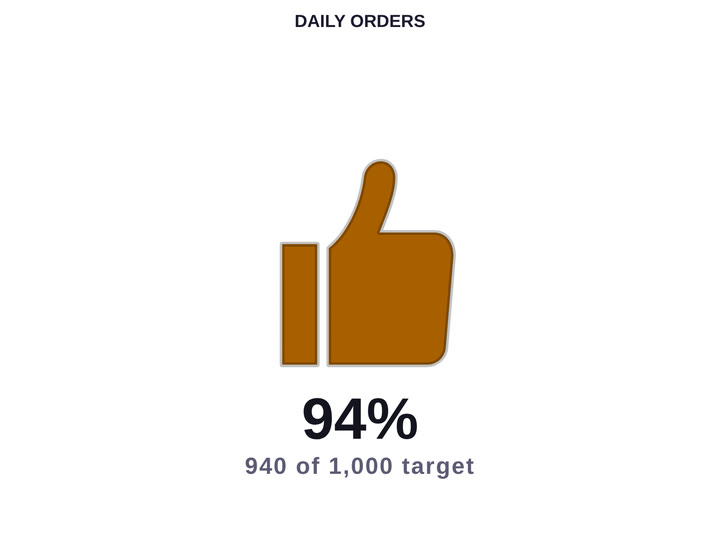
Overview
Some numbers are read faster as a shape than as a digit. Codex Icon Gauge renders a measure against its target as an icon that fills, lights, or changes state — so a viewer scanning a page registers the status before reading the value. Four display modes cover the common idioms, each with its own set of variants.
Ideal For
- Status tiles where the reader needs the verdict before the number
- Operational walls scanned from a distance, where a filled shape beats a small digit
- Reports that already use a traffic-light convention and want it driven by data
- Pages needing visual variety without introducing a second charting idiom
Key Features
- Four display modes — Fill Vessel, Icon Row, Traffic Light, and State Morph
- Fill Vessel offers six vessel shapes: bolt, battery, droplet, heart, person, and thumb
- State Morph offers three morph styles: faces, thumbs, and tick / cross
- Target measure drives the fill proportion and the health read
- Optional status glyph overlaid on the icon for colour-blind-safe reading
- Value and status line can each be shown or hidden independently
- Full typography control on the value — family, size, weight, colour, and alignment
- Click to cross-filter other visuals; right-click for the standard context menu
Pro Tip
Traffic Light and State Morph read best at small tile sizes where a Fill Vessel would lose detail. Reserve Fill Vessel for tiles large enough that the fill proportion is actually legible.
From $1.49
/ user / month · volume pricing from $29/mo
Billed through Microsoft AppSource
Category
KPI
Tooltips
Cross-filtering
High Contrast